Filter Comments
DATA MANAGEMENT
By CCR - 1 | Tuesday, December 23, 2025, 02:48am | 👁️ 323 views | 💬 0 comments |
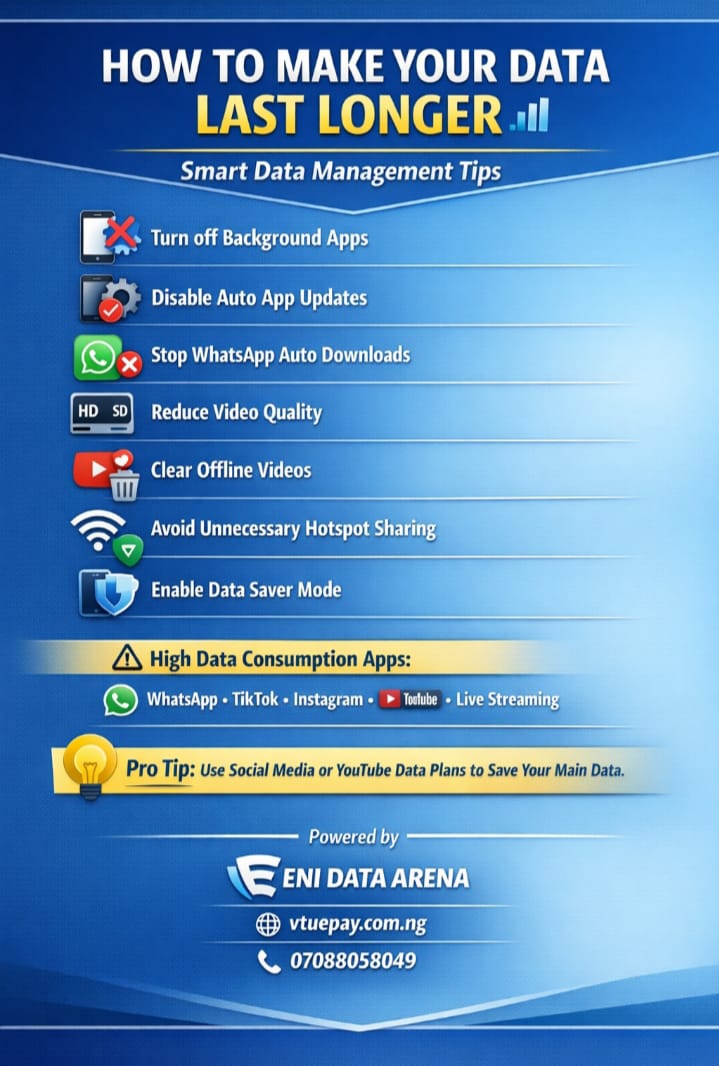
HOW TO MANAGE YOUR DATA EFFECTIVELY
Good morning and compliments of the season, esteemed partners.
The longevity of your data depends largely on how well it is managed.
To help you get maximum value from every data purchase, please consider the following practical tips to reduce unnecessary data consumption and improve efficiency.
🔹 ESSENTIAL DATA-SAVING TIPS:
1. Properly close all apps not in use, including background apps (apps that continue running even when switched or not actively opened).
2. Disable notifications for non-essential applications.
3. Turn off automatic app updates on the Google Play Store or Apple App Store.
4. Disable automatic media downloads on WhatsApp (this also helps conserve phone storage).
5. Stop auto-downloads in WhatsApp groups.
6. Control WhatsApp chat backups by setting them to manual.
Note: Including videos in backups consumes significant data.
7. Clear watched offline videos on YouTube, cancel pending downloads, and disable auto-download features.
8. Minimize hotspot usage and avoid sharing data with multiple devices unnecessarily.
🔹 ADDITIONAL DATA MANAGEMENT TIPS:
1. Enable Data Saver mode on your device and within apps such as Chrome, YouTube, and Instagram.
2. Reduce video streaming quality, as HD videos consume considerably more data.
3. Restrict cloud backups and synchronization (Google Drive, Google Photos, iCloud, etc.) to Wi-Fi only.
4. Turn off background data for apps you rarely or never use.
5. Disable auto-play videos on social media platforms.
6. Download large files, videos, or app updates only when connected to Wi-Fi.
7. Log out of or uninstall unused apps that may consume data silently.
8. Regularly review your data usage breakdown in your phone settings to identify high-consuming apps.
IMPORTANT NOTES
- Data consumption rate is determined solely by the network provider and not by the type of data purchased. All data types are essentially the same.
- VALIDITY is different from LONGEVITY.
Validity refers to the expiration period of the data plan (e.g., 7 days, 30 days), regardless of usage.
Longevity depends entirely on usage patterns and consumption rate.
For example, a data plan with 30-day validity can be exhausted within 7 days, even though its validity has not expired.
- Different customer packages or tariffs (e.g., MTN mPulse, Airtel SmartTalk, etc.) may have varying consumption rates for both airtime and data.
- Some tariffs also offer special data plans that are exclusive to that particular package.
- Certain apps and activities consume more data than others. High-data activities include WhatsApp Status viewing, TikTok, Instagram Reels, live streaming, and video calls.
- Some apps and websites collect additional background data. Certain apps may consume residual data (in kilobytes - kb) even when not opened or when they do not require internet access to function.
You can check this via App Info → Data Usage.
- For better data management, consider subscribing to specialized data plans such as:
Social media data plans (WhatsApp, TikTok, Instagram, etc.), YouTube-only or video-optimized data plans and night plans, Bonus or category-specific data plans that preserve your main data for general browsing
- It is advisable to personally study and track how you use your data, as well as your network’s consumption rate, in order to choose the most suitable data plan.
- Just like other vendors who sell products or services, your data vendor is not the manufacturer of the data, but a reseller.
- For further clarification, you may contact the customer care service of your respective network provider to understand your data consumption in more detail.
By applying these guidelines, you can significantly extend the lifespan of your data and battery, while enjoying a smoother and more efficient internet experience.
Thank you for your continued trust and support.
ENI DATA ARENA
vtuepay.com.ng
07088058049